
LG TV'niz için profesyonel IPTV oynatıcıA professional IPTV player for your LG TV
CMSIPTV Player, Xtream Codes destekli hızlı ve kullanımı kolay bir medya oynatıcıdır. Canlı TV, filmler ve dizileri tek bir düzenli arayüzde izleyin.CMSIPTV Player is a fast, easy-to-use media player with Xtream Codes support. Watch live TV, movies and series in one clean interface.
Uygulama ücretsizdir. İçerik içermez; kendi hizmet sağlayıcınızın giriş bilgileri gereklidir.The app is free. It contains no content; login details from your own service provider are required.
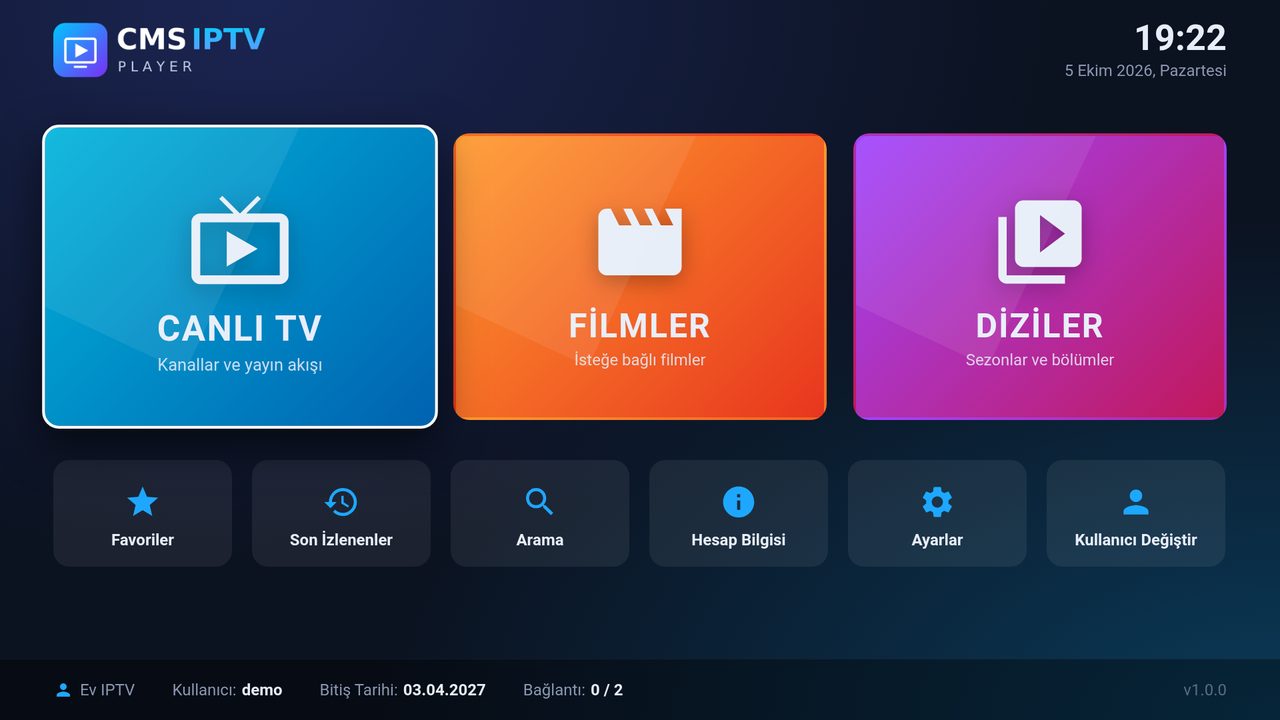
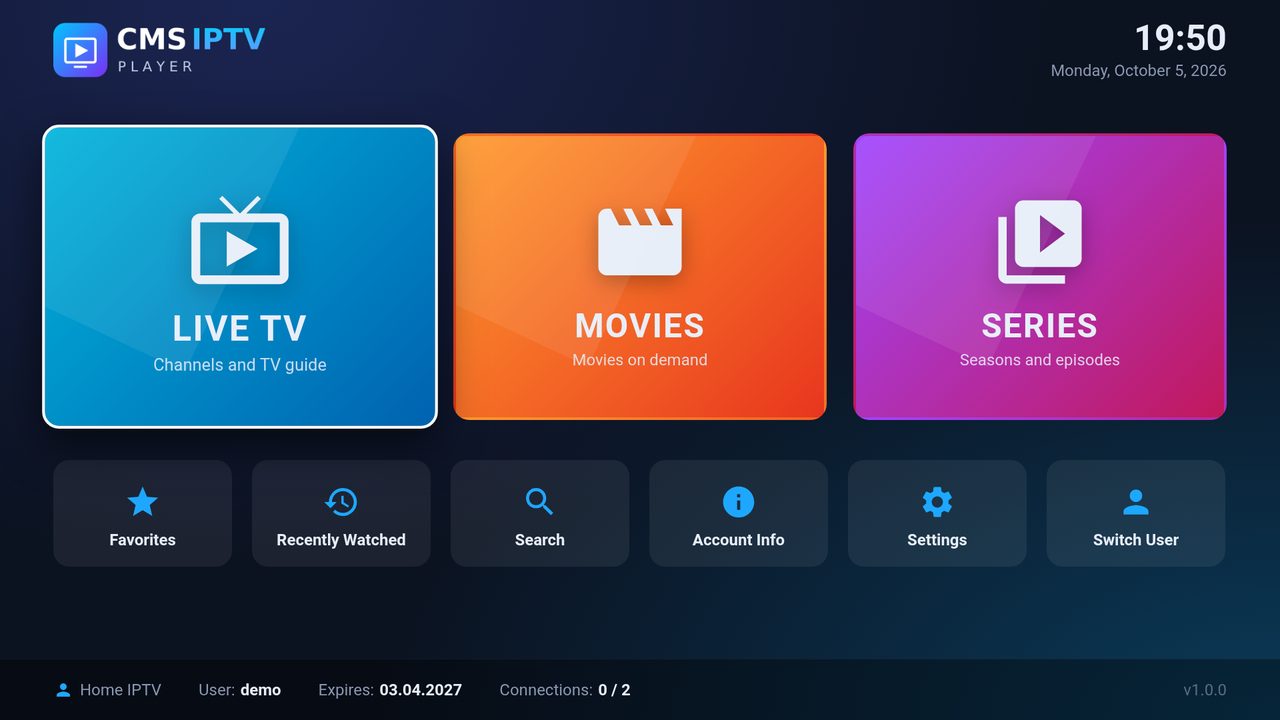
Öne çıkan özelliklerKey features
Büyük ekran ve uzaktan kumanda için tasarlandı.Designed for the big screen and your remote control.
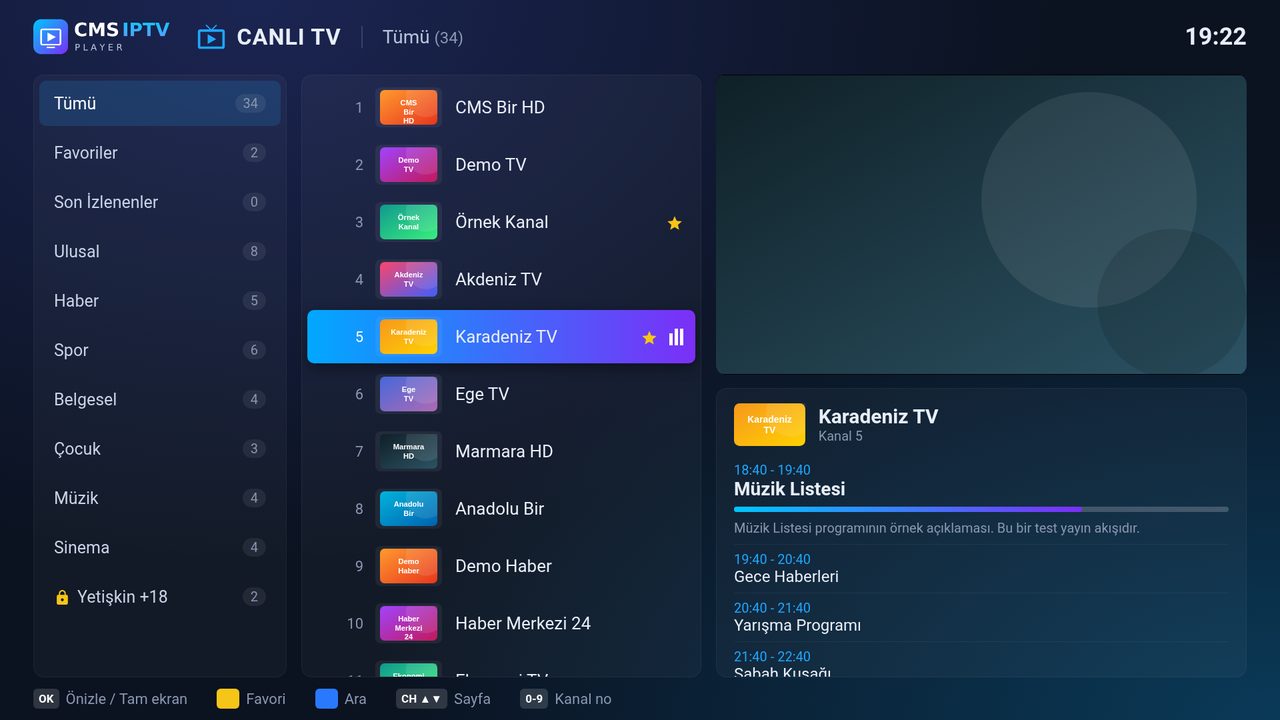
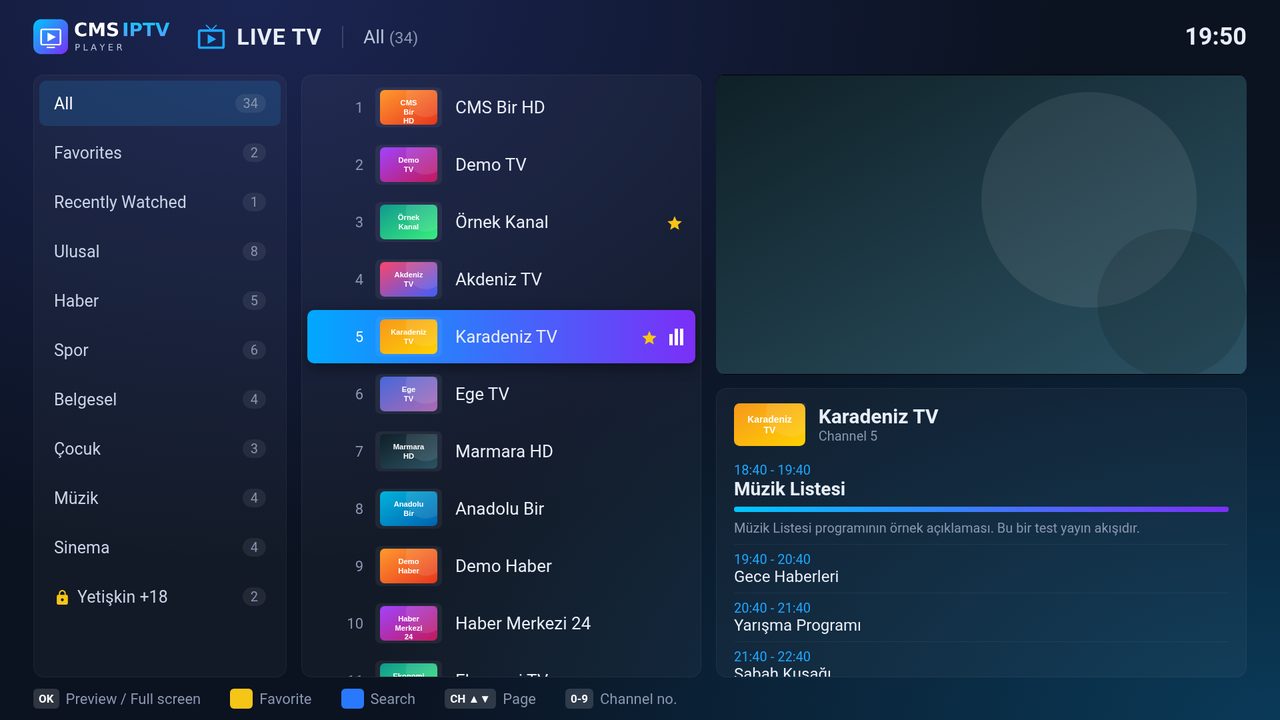
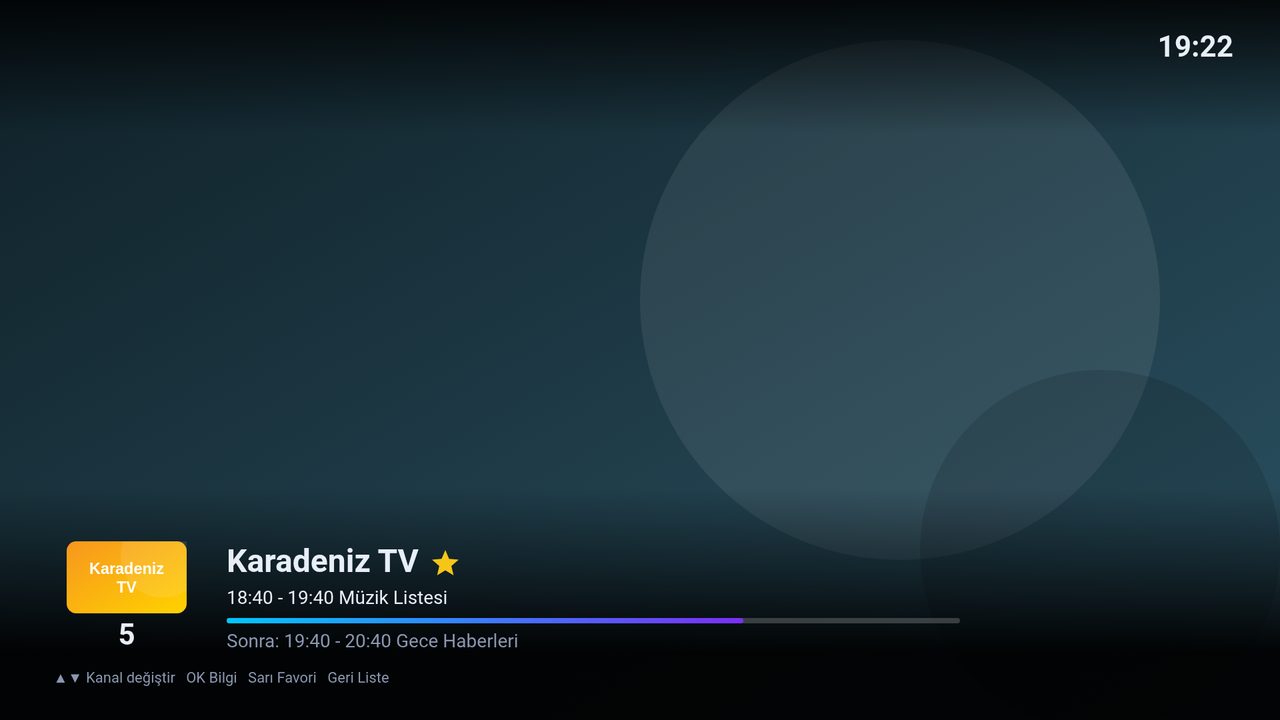
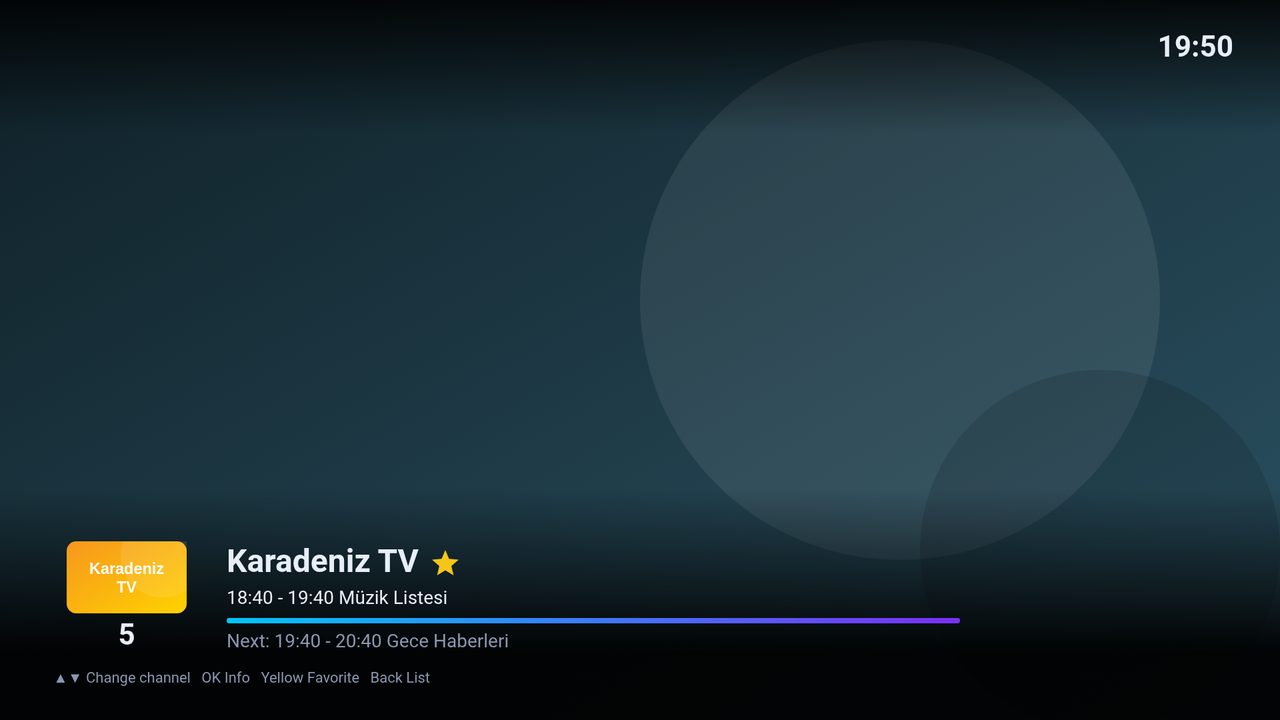
Canlı TV + Yayın AkışıLive TV + TV Guide
Kategoriler, kanal listesi, önizleme penceresi ve EPG ile şimdi/sonra bilgisi.Categories, channel list, preview window and EPG with now/next information.
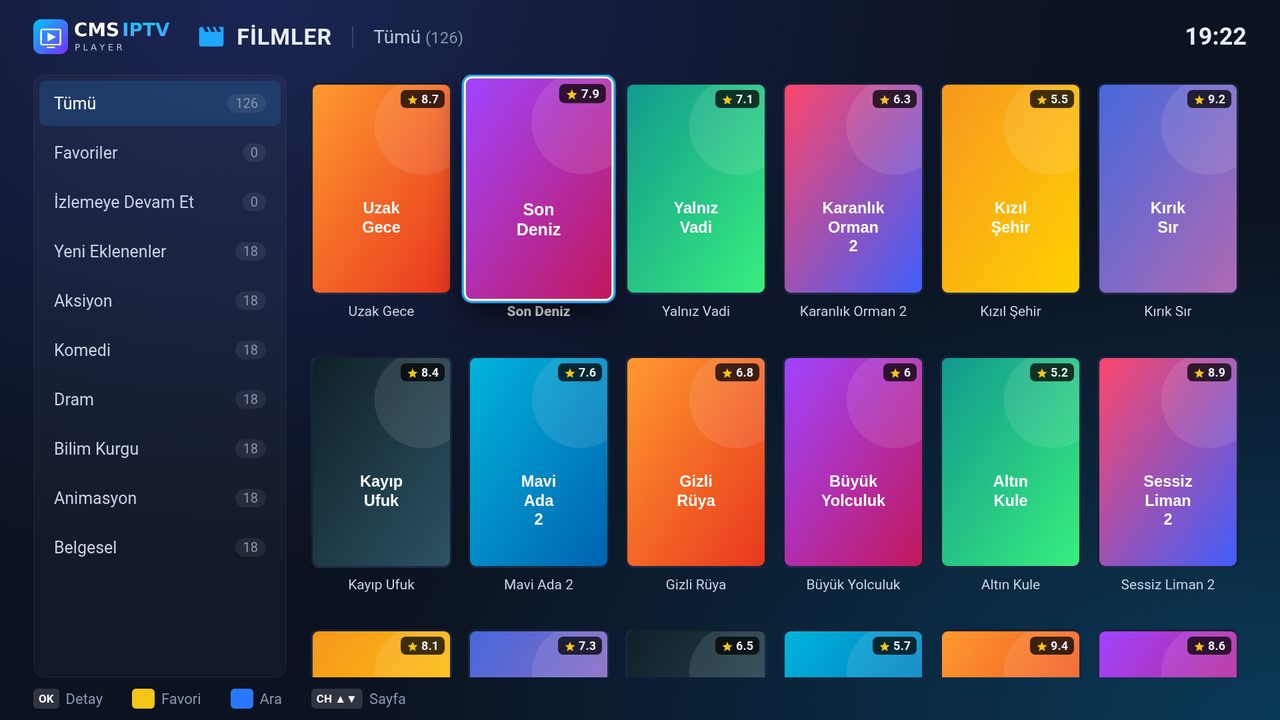
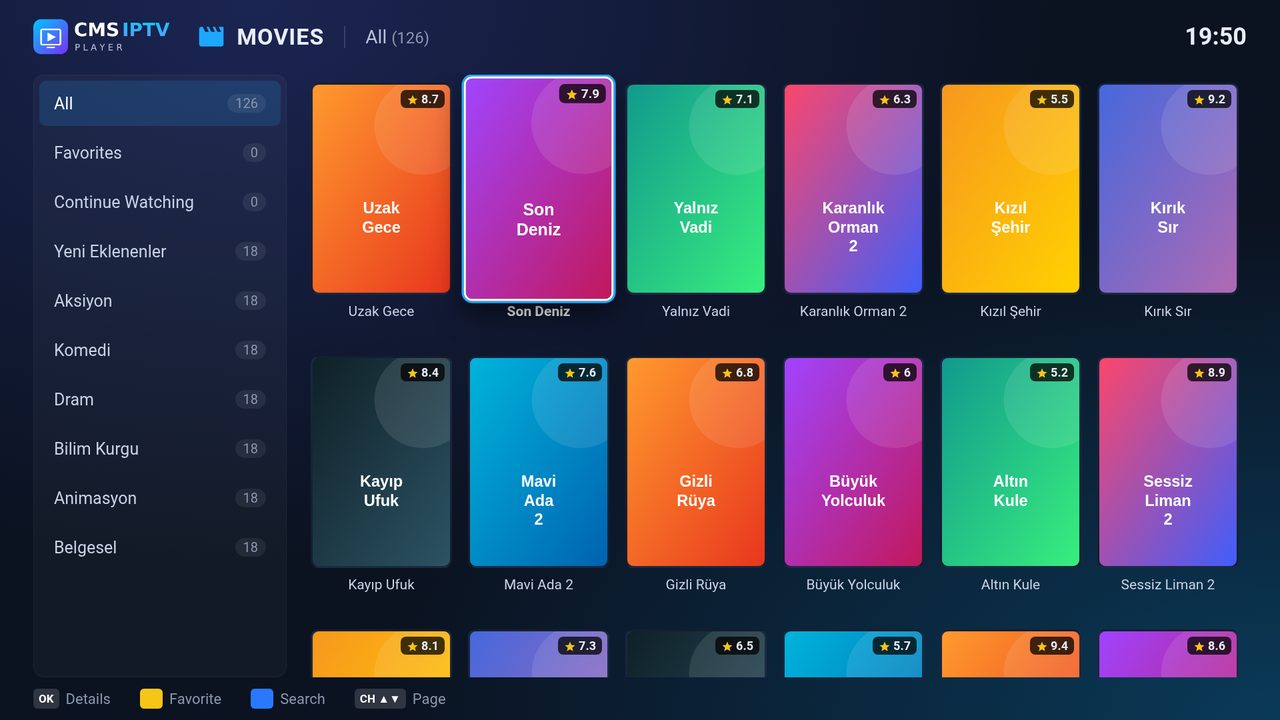
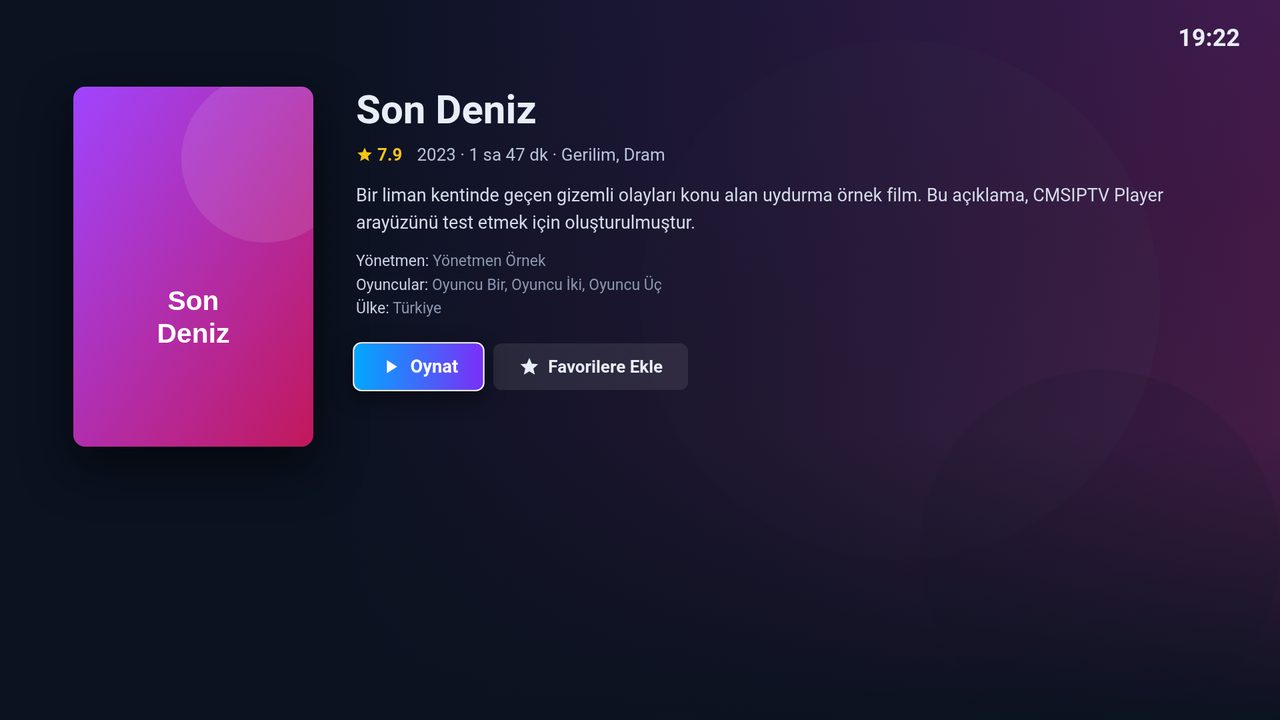
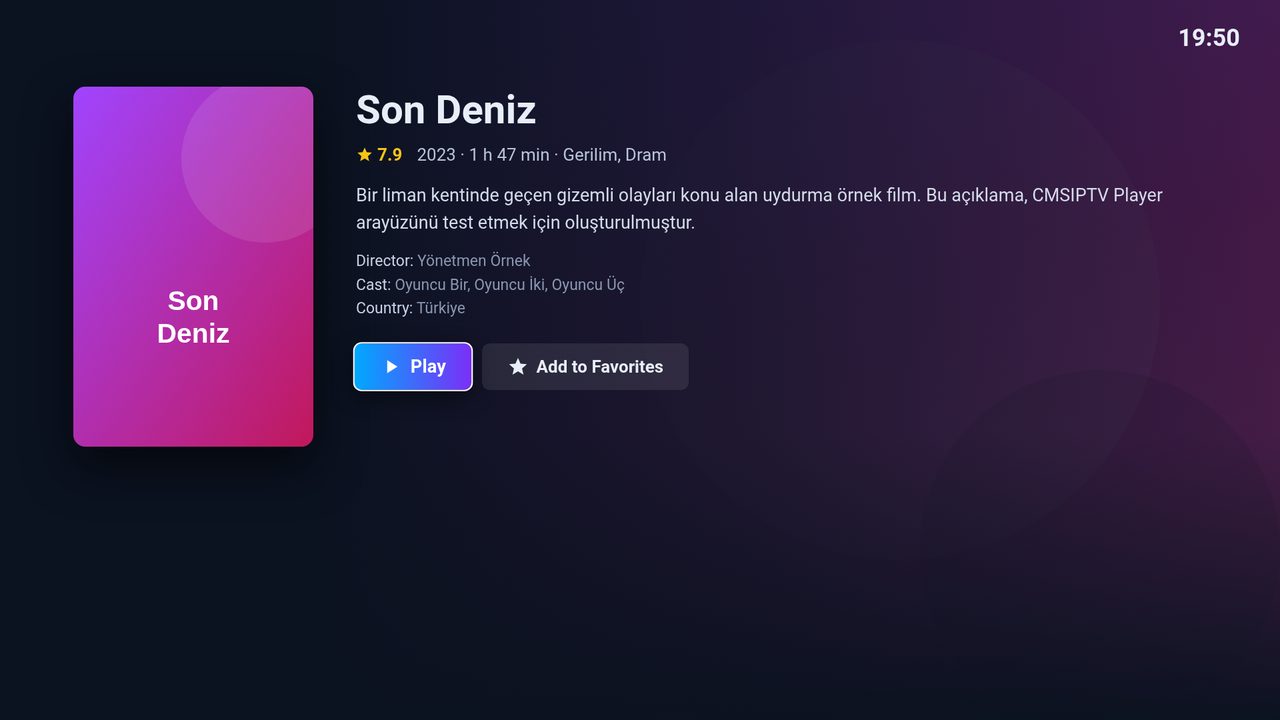
FilmlerMovies
Afiş görünümü, ayrıntılı film sayfası ve kaldığınız yerden devam etme.Poster view, detailed movie pages and resume playback.
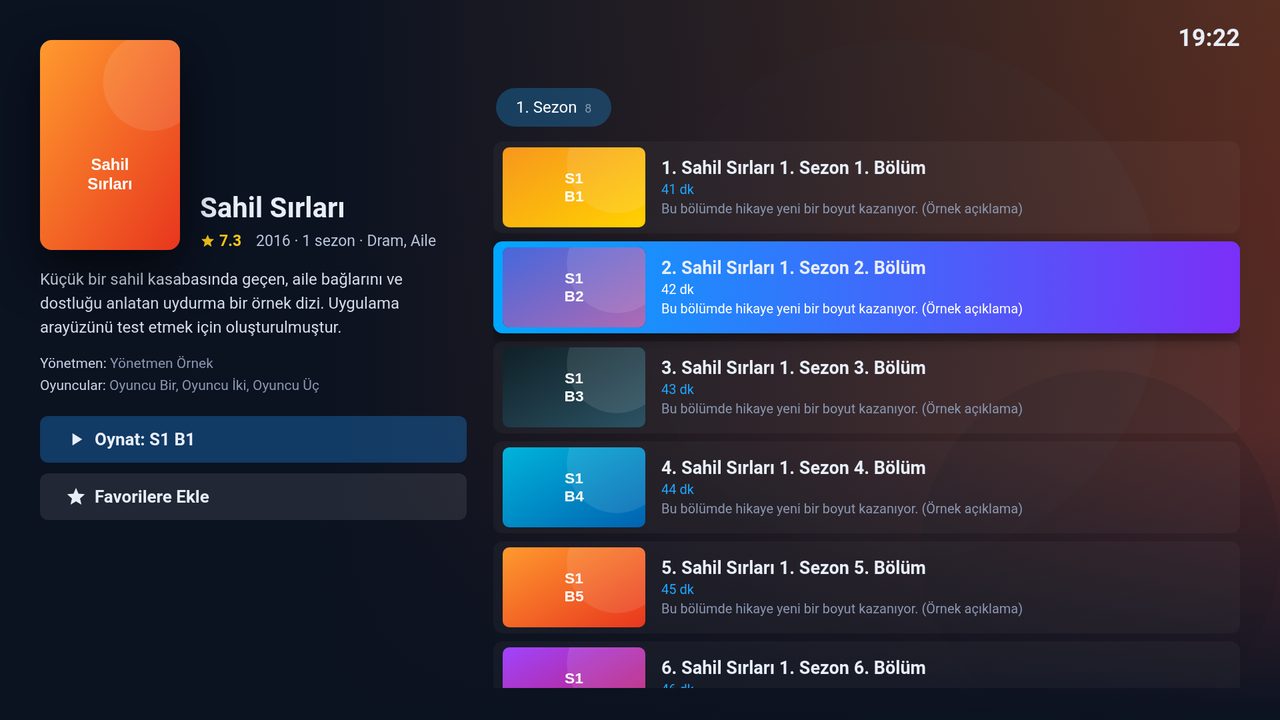
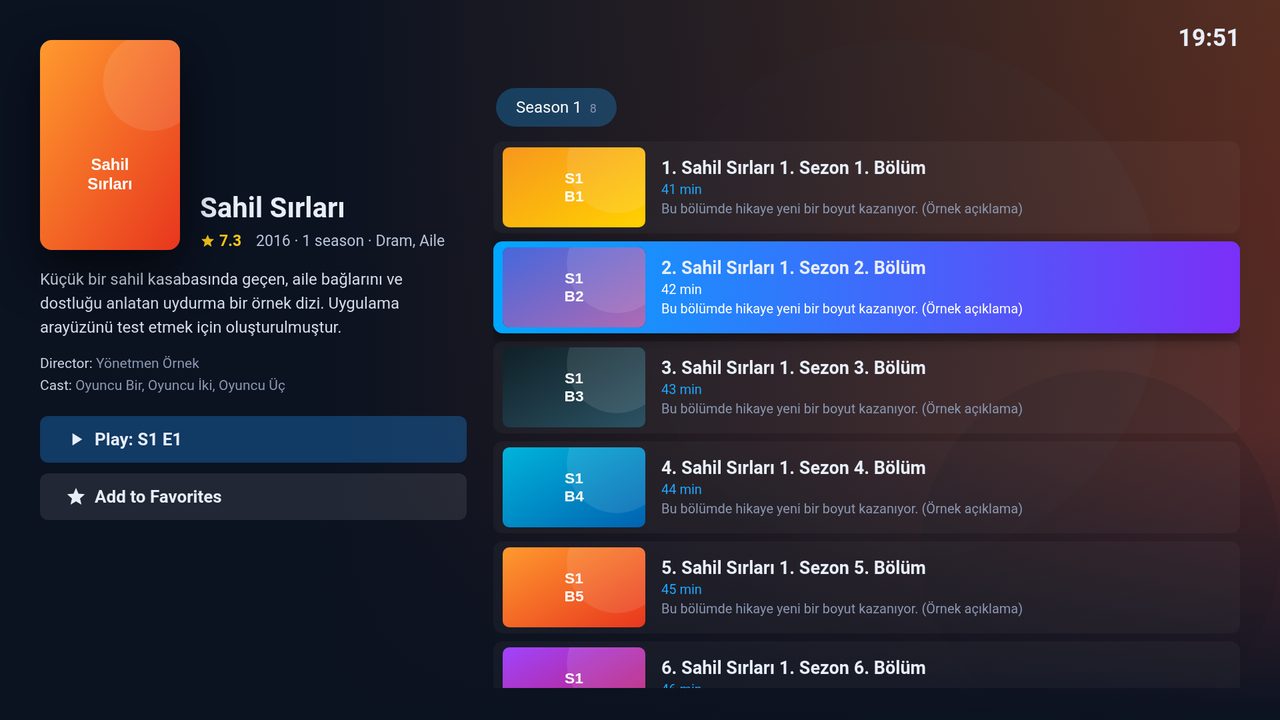
DizilerSeries
Sezon ve bölüm listeleri, izlendi işaretleri, sonraki bölümü otomatik oynatma.Season and episode lists, watched markers and auto-play next episode.
Favoriler ve GeçmişFavorites & History
Sevdiğiniz kanal ve içerikleri tek tuşla kaydedin, son izlediklerinize hızla dönün.Save channels and titles with one button and quickly return to what you watched.
Hızlı AramaFast Search
Kanal, film ve dizilerde tek ekrandan arama.Search channels, movies and series from a single screen.
Çoklu HesapMultiple Accounts
Birden fazla Xtream Codes hesabı kaydedin ve aralarında geçiş yapın.Save several Xtream Codes accounts and switch between them.
Ebeveyn Kilidi ve Kategori GizlemeParental Lock & Hidden Categories
Yetişkin kategorileri PIN ile korunur; istemediğiniz buketleri PIN ile tamamen gizleyebilirsiniz.Adult categories are PIN-protected, and you can hide unwanted bouquets completely with your PIN.
Geri İzleme (Catch-up)Catch-up TV
Sağlayıcınız arşiv sunuyorsa kaçırdığınız programları 48 saate kadar geriye giderek izleyin.If your provider offers an archive, watch programmes you missed up to 48 hours back.
Uzaktan Liste YüklemeRemote Playlist Upload
Üyelik hesabınızla web sitemizden cihazlarınıza liste ekleyin; TV ekranındaki QR kodu okutmanız yeterli.Add playlists to your devices from our website with your member account — just scan the QR code on your TV.
Akıllı ÖnbellekSmart Cache
Kanal, film, dizi ve yayın akışı TV'de saklanır; listeler anında açılır, her açılışta arka planda güncellenir.Channels, movies, series and the TV guide are cached on your TV; lists open instantly and update in the background on every launch.
Kumanda DostuRemote Friendly
Standart kumanda ve Magic Remote ile akıcı kullanım; Türkçe ve İngilizce arayüz.Smooth control with the standard remote and Magic Remote; English and Turkish UI.
Nasıl çalışır?How does it work?
Uygulamayı yükleyinInstall the app
LG TV'nizde LG Content Store'u açın, "CMSIPTV Player" aratın ve ücretsiz yükleyin.Open LG Content Store on your LG TV, search for "CMSIPTV Player" and install it for free.
Koşulları onaylayınAccept the terms
İlk açılışta Yasal Uyarı'yı okuyup "Anladım, Kabul Ediyorum" seçeneğini seçin.On first launch, read the Legal Notice and select "I Understand and Accept".
Listenizi ekleyinAdd your playlist
Sunucu adresi, kullanıcı adı ve şifreyi TV'ye girin ya da TV'deki QR kodu okutup listenizi üye hesabınızdan uzaktan yükleyin.Enter the server URL, username and password on the TV, or scan the QR code on the TV and upload your playlist remotely from your member account.
Ekran görüntüleriScreenshots
Görüntülerdeki kanal ve içerik adları örnek amaçlıdır.Channel and content names in the screenshots are for illustration only.
⚠Yasal UyarıLegal Notice
CMSIPTV Player yalnızca bir medya oynatıcıdır. Herhangi bir televizyon kanalı, film, dizi, canlı yayın veya oynatma listesi barındırmaz, sağlamaz, dağıtmaz ve satmaz. CMS Developer, hiçbir IPTV hizmet sağlayıcısı ile bağlantılı değildir.CMSIPTV Player is a media player only. It does not host, provide, distribute or sell any television channels, movies, series, live streams or playlists. CMS Developer is not affiliated with any IPTV service provider.
Uygulamaya eklenen içeriklerin yasallığı ve telif haklarına uygunluğu konusundaki tüm sorumluluk kullanıcıya aittir. Telif hakkıyla korunan içeriklerin izinsiz izlenmesini desteklemiyoruz.Users bear full responsibility for the legality and copyright compliance of the content they add. We do not support the unauthorized viewing of copyrighted content.
Yasal metnin tamamıRead the full legal notice →Sık sorulan sorularFrequently asked questions
Uygulama kanal veya film içeriyor mu?Does the app include channels or movies?
Hayır. CMSIPTV Player bir oynatıcıdır ve hiçbir içerik içermez. İçerik, kendi seçtiğiniz hizmet sağlayıcının hesabından gelir.No. CMSIPTV Player is a player and contains no content. Content comes from the account of a service provider you choose.
IPTV aboneliği satıyor musunuz?Do you sell IPTV subscriptions?
Hayır. CMS Developer abonelik, hesap veya oynatma listesi satmaz ve herhangi bir sağlayıcıyı önermez.No. CMS Developer does not sell subscriptions, accounts or playlists and does not recommend any provider.
Uygulama ücretli mi?Is the app paid?
Hayır, CMSIPTV Player ücretsizdir.No, CMSIPTV Player is free.
Hangi TV'lerde çalışır?Which TVs are supported?
LG Content Store'a erişimi olan webOS işletim sistemli LG Smart TV'lerde çalışır.It runs on LG Smart TVs with webOS that have access to LG Content Store.